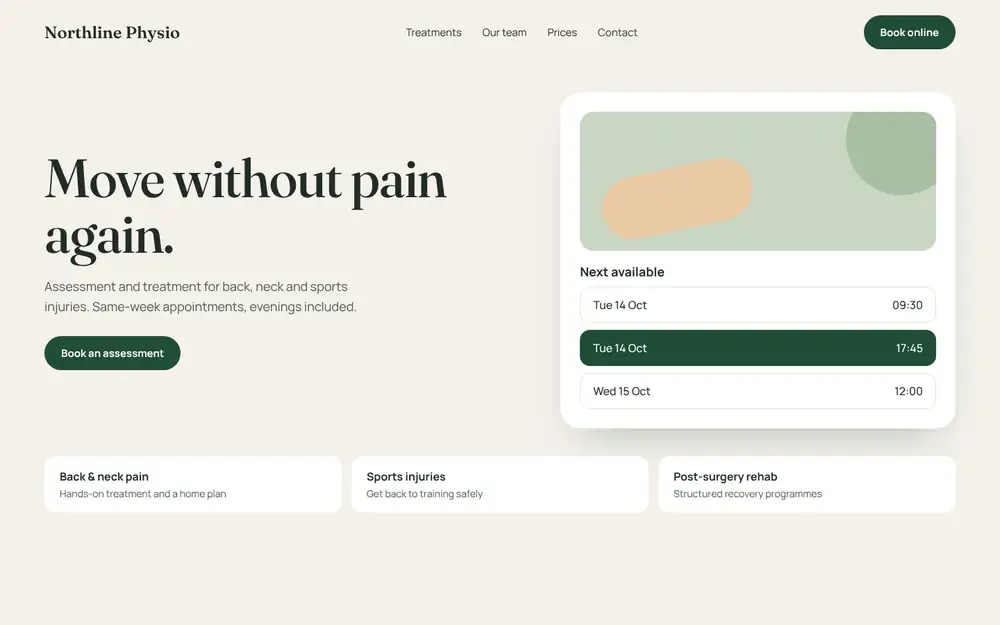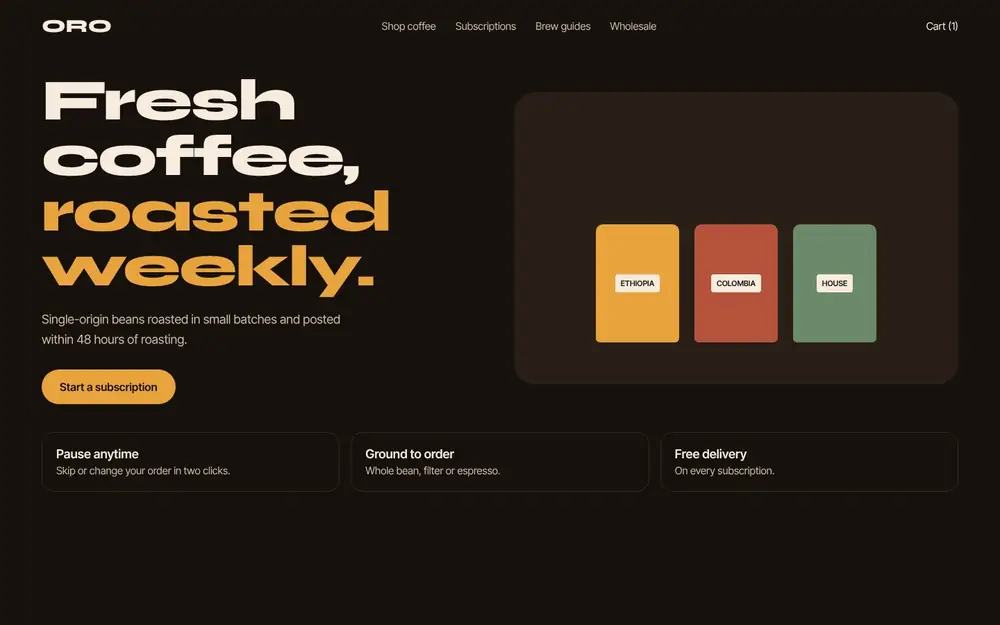
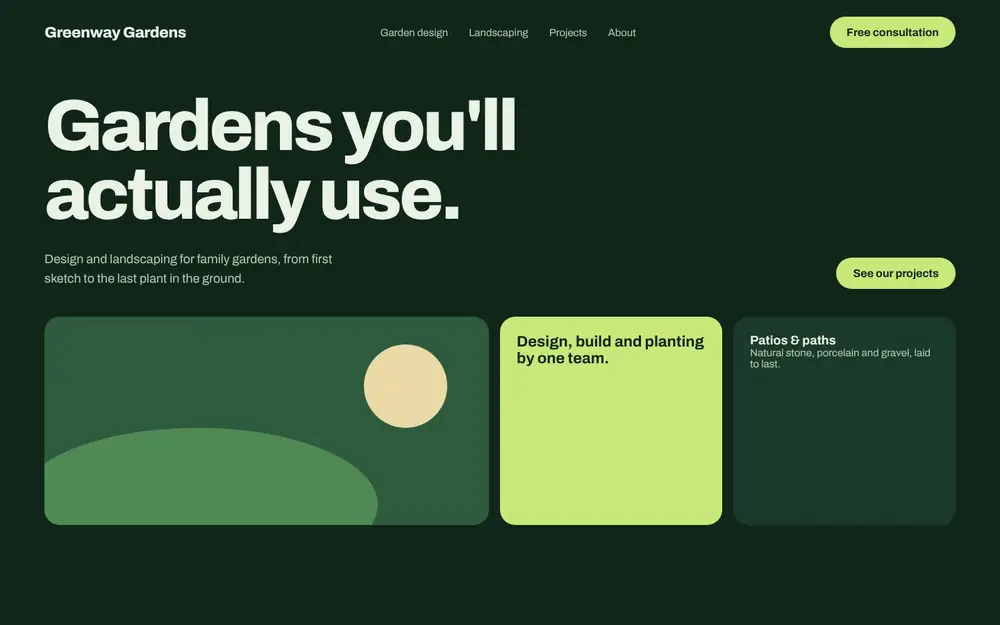
A good small business website does a few plain jobs well. It tells people what you do, shows them they can trust you, and makes it easy to get in touch. This checklist covers what every small business website needs, in the order we would check it when planning a new site or reviewing an old one. Use it to audit your current site or to brief a designer.
The basics: what your website must make clear
1. What you do, who it’s for, and where, in the first screen
Visitors decide quickly whether they are in the right place. The top of your home page should answer three questions without scrolling: what you offer, who it’s for, and which area you serve. A headline like “Family dental care in Leeds” does more work than “Welcome to our website”.
2. One clear next step on every page
Decide what you want a visitor to do, such as call, book or request a quote, and make that button easy to find on every page. Use the same wording each time so people learn where to look. A second, softer option, like “See our work”, is fine, but avoid filling the page with competing buttons.
3. Contact details people can find in seconds
Put your phone number, email address and opening hours in the header or footer, so they appear on every page. On mobile, make the phone number tap-to-call. If customers visit you, add your address and a map on the contact page.
4. A contact form that’s short and works
Ask only for what you need to reply: name, email or phone, and a message. Every extra field gives people a reason to give up. Test the form yourself after launch and after any update, and make sure the messages reach an inbox someone checks.
Trust: why people choose you over the next result
5. Real photos and a real “About” page
Stock photos of smiling strangers are easy to spot. Photos of your team, your premises and your work help people picture dealing with you. Your About page should say who runs the business, how long you’ve been doing it, and what you care about.
6. Proof from customers
Reviews and testimonials from real customers carry more weight than anything you say about yourself. Ask happy customers for a short review, use their name with permission, and link to your Google Business Profile reviews if you have them. Never write reviews yourself or edit them into something the customer didn’t say.
7. Examples of your work
If your work can be shown, show it. Before and after photos, finished projects or a short case study tell a visitor more than a paragraph of claims. Say what the job was, what you did, and what changed for the customer.
8. Clear service pages
Give each main service its own page rather than listing everything in one paragraph. A page per service lets you explain who it suits, what’s included and what happens next. It also gives search engines a clear page to show when someone searches for that service.
Technical essentials: speed, mobile and security
9. A layout that works on phones first
Many of your visitors will arrive on a phone. Check that text is readable without zooming, buttons are large enough to tap, and nothing spills off the side of the screen. Look at your own site on a phone before you approve any design.
10. Fast loading pages
A slow site loses visitors before they’ve seen anything. The usual causes are oversized images, too many plugins or add-ons, and cheap hosting. You can test any page for free with Google’s PageSpeed Insights, which also lists what to fix.
11. HTTPS and a padlock in the browser
Your site should load on https:// with a valid SSL certificate. Browsers warn visitors about pages that aren’t secure, especially ones with forms. Most hosts include a free certificate, so there’s no reason to go without one.
12. Accessible design
Make sure text has enough contrast against its background, images have alt text, and the site can be used with a keyboard. These steps help people with disabilities use your site, and they tend to make it clearer for everyone.
Getting found: SEO basics for a small business website
13. A page title and description for each page
Every page needs a unique title that says what’s on it and, where relevant, where you are, for example “Emergency plumber in Bristol | Smith Plumbing”. Add a short meta description that tells searchers what they’ll find. These are often what people read in search results before they decide to click.
14. Local SEO: Google Business Profile and consistent details
If you serve a local area, set up and complete your free Google Business Profile. Make sure your business name, address and phone number are written the same way on your website, your profile and any directories you’re listed in. Mention the towns or areas you serve on your service pages in a natural way.
15. Content that answers customer questions
Write down the questions customers ask you before they buy, then answer them on your site. That might be a FAQ section, a pricing guide or a blog post like this one. Helpful answers bring in searchers and save you time on the phone.
Keeping it running after launch
16. Analytics so you know what’s working
Install a free analytics tool such as Google Analytics, and connect Google Search Console to see which searches bring people to your site. Check them every month or so. Look at which pages get visits and which ones lead to enquiries.
17. Backups, updates and an owner
Your site needs regular backups and software updates, and someone who is responsible for both. Make sure you own your domain name and have the logins to your hosting and website, even if someone else looks after them. Too many businesses find out they don’t own their own site when they try to change supplier.
18. Legal pages
Add a privacy policy that explains what data you collect, especially through forms and analytics. Depending on where you trade, you may also need terms of business and a cookie notice. If you’re unsure what applies to you, ask a legal adviser.
Quick checklist
Copy this list and tick off each item for your own site:
- What you do, who for, and where, in the first screen
- One clear call to action on every page
- Phone, email and hours on every page
- A short contact form you’ve tested
- Real photos and an About page
- Genuine customer reviews
- Examples of your work
- A page for each main service
- Works well on a phone
- Loads fast
- HTTPS enabled
- Readable contrast and alt text
- Unique page titles and descriptions
- Google Business Profile set up
- Answers to common questions
- Analytics and Search Console
- Backups, updates and your own logins
- Privacy policy and legal pages
Frequently asked questions
How many pages does a small business website need?
Most small businesses do well with five to ten pages: Home, About, a page for each main service, Contact, and a privacy policy. Add a portfolio, FAQ or blog when you have the content for them. A few strong pages beat a lot of thin ones.
Can I build my own small business website?
Yes. Builders like Wix and Squarespace make a simple site manageable, and WordPress gives you more room to grow. If you’re choosing between them, our guide on how to choose a website platform compares the options. Whichever you pick, this checklist still applies.
How often should I update my website?
Check software updates and backups monthly. Review your content, photos and prices whenever something in your business changes, and look at the whole site with fresh eyes at least once a year.
Want a second opinion on your site?
If you’d like us to go through this checklist with your own website, or build one that ticks every box from the start, see our business website design service or get in touch. We’ll tell you plainly what’s worth fixing first.